Custom CRM + app development / Sarasota + Tampa Bay
Software shaped around how your business actually works.
WebInk designs and builds focused CRMs, customer portals, commerce systems, internal tools, and AI-assisted workflows when off-the-shelf software creates more friction than it removes.
Where custom software earns its keep
Build the missing link, not a bloated platform.
A custom application makes sense when it removes a repeatable operational bottleneck, connects systems that should already talk, or creates a customer experience your current tools cannot support cleanly.
Sales + service operations
Customers, leads, jobs, estimates, scheduling, invoices, follow-up, files, roles, and reporting in a workflow designed for the team using it.
Customer + partner experiences
Secure account areas, intake, approvals, status views, bookings, uploads, communication, and self-service paths that reduce back-and-forth.
Orders + operational control
Custom catalogs, checkout logic, order administration, vendor tracking, payment matching, exports, and the internal tools behind the storefront.
Useful intelligence in the workflow
Research, drafting, classification, search, summaries, quality checks, and automation—with the right human review and privacy boundaries for the job.
Working software, not concept art
Products already running real business workflows.
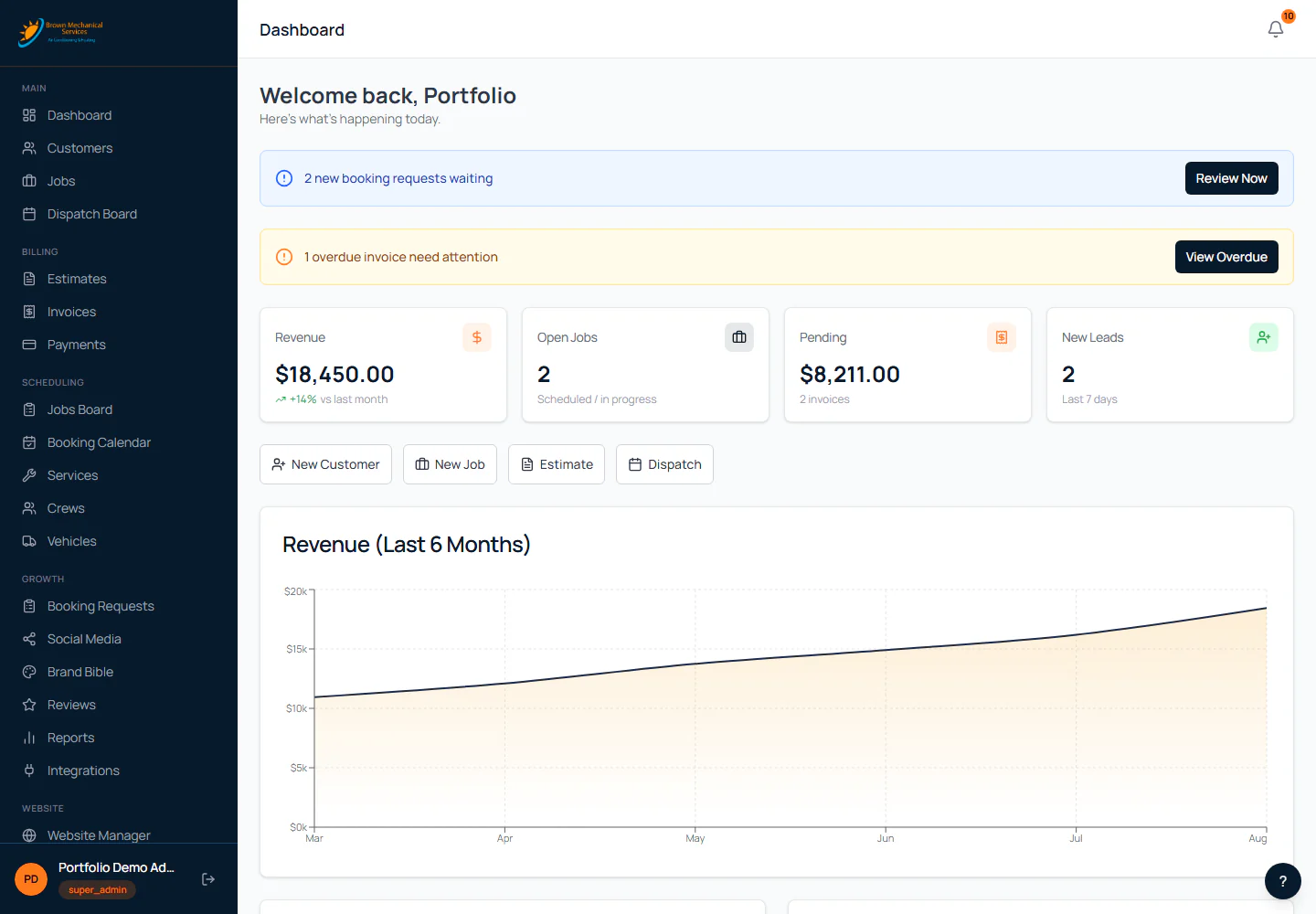
Keep the customer journey and the work behind it in one context.
Customer history, jobs, dispatch, estimates, billing, lead intake, website content, SEO, social planning, and practical AI assistance share one owner-controlled operating layer.
- Customer + lead context
- Jobs + dispatch
- Estimates + billing
- Content + follow-up
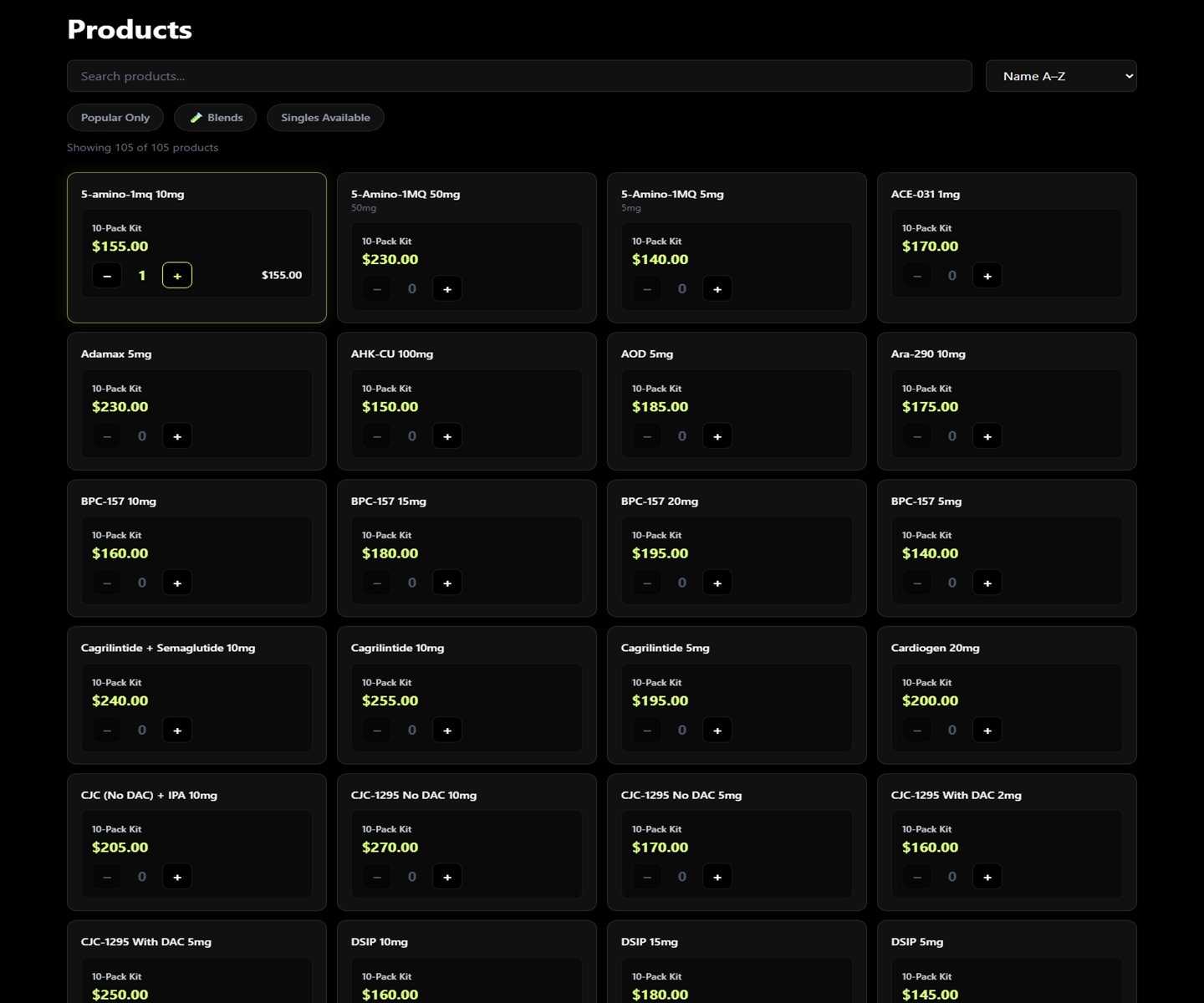
Custom commerce with the operations behind it.
A purpose-built storefront paired with order, customer, payment, vendor, batch, export, email, newsletter, and reporting workflows.
Explore the buildA custom website editor teams can actually use.
Pages, blog, media, revisions, previews, SEO controls, navigation, forms, theme settings, and AI-provider configuration in a focused publishing system.
View the live demoFrom workflow to working product
Ship in useful layers and keep the feedback loop short.
- 01
Map the real work
Document users, decisions, handoffs, data, exceptions, integrations, and the specific friction worth solving first.
- 02
Prototype the critical path
Make the main workflow tangible early so the people doing the job can react before too much is built.
- 03
Build + verify in slices
Release working modules, test permissions and edge cases, review data handling, and keep visible acceptance criteria.
- 04
Launch, train + improve
Deploy with backups and rollback paths, train the team, watch real use, and prioritize the next improvement from evidence.
Custom app questions
Start with the business case, then choose the technology.
When should we build instead of buy?
When a repeatable workflow is strategically important, existing products force expensive workarounds, or connecting several tools would still leave a fragile process. Discovery should validate that case before a large build begins.
Can a custom app connect to our existing systems?
Often, yes. WebInk can evaluate documented APIs, webhooks, exports, email workflows, Stripe, WordPress, and other existing systems. The integration plan depends on the access and reliability each vendor actually provides.
How does WebInk use AI in application development?
AI can accelerate research, prototyping, code review, testing, content workflows, and product features. Architecture, permissions, factual claims, sensitive data, and launch decisions remain under human review.
Do you support the software after launch?
Yes. Support can include hosting, monitoring, backups, dependency updates, issue response, product iteration, documentation, and training based on the application's scope.
What does the first planning phase produce?
A useful discovery phase should produce a prioritized workflow map, a clear list of users and roles, a data and integration inventory, acceptance criteria, and a focused first phase. The exact deliverables are confirmed before the build starts.
Can we start with one workflow instead of replacing everything?
Yes. A first release can focus on the highest-value path and connect to existing tools while the team gathers feedback from real use. Expansion should follow only when the earlier layer is stable, useful, and worth extending.
Sarasota + Tampa Bay custom software
Show WebInk the spreadsheet, handoff, or tool your team has outgrown.
We will help determine whether the right answer is a focused automation, an integration, a custom application, or a better use of software you already have.